 Fox Music
Background play
Keeps playing with the screen off, with lock-screen and notification controls.
Your songs and YouTube in a glowing glass design made for one hand. Background play, lock-screen controls, full-screen synced lyrics, equalizer, sleep timer and a wake-up alarm.
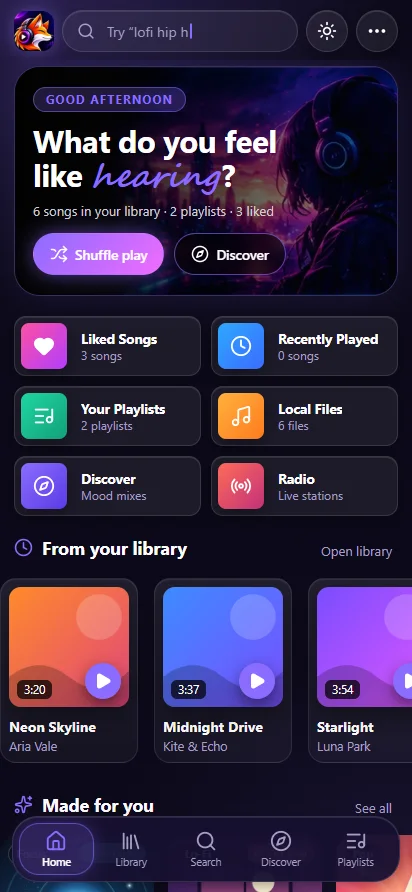
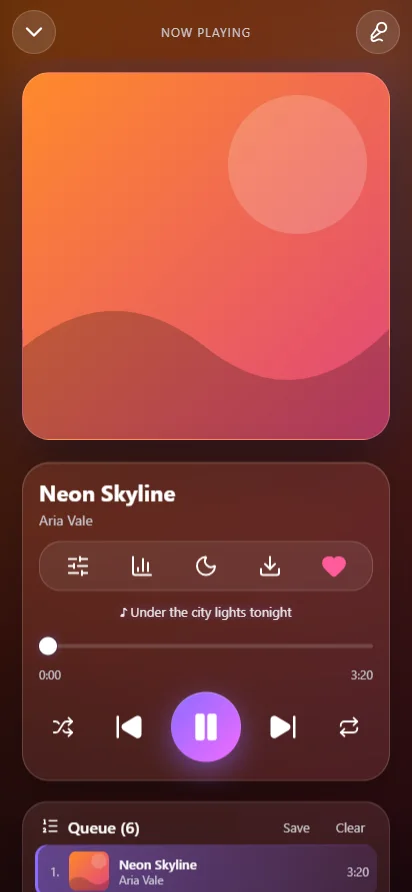
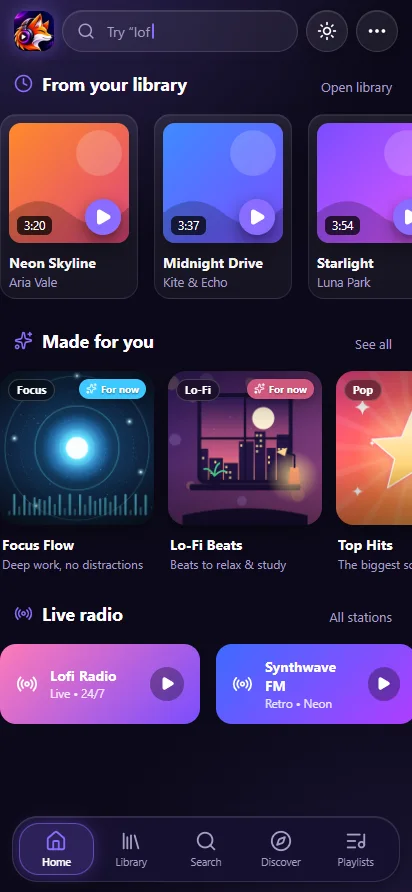
Keeps playing with the screen off, with lock-screen and notification controls.
Large synced lyrics from several sources. Almost every song has them.
10 bands with presets such as Bass boost, plus a volume normalizer. Used only while switched on.
Stop after minutes, a song or the queue, with a gentle fade and a countdown in the notification.
Wake up to your own music with a slow volume rise.
Search and play songs from YouTube inside the app. Downloads go to Music / Fox Music.
No duplicates, Play next, and Auto-DJ so the music never stops.
Long-press the icon for Search songs and About.
Requirements: Android 8.0 or newer, about 8 MB to download.
Yes. Fox Music for Android is free, has no ads and needs no account. It shows full-screen synced lyrics and plays your own songs and public YouTube content.
Yes. Android gets background play with lock-screen controls. On phones with strict battery savers, open Settings, Background play, Allow, and set the app battery to No restrictions.
Open the downloaded file and allow Install unknown apps for your browser when Android asks. If you have Fox Music 1.13 or older, uninstall it once first, because this version uses a new signing key. Later updates install over it.
Android 8.0 or newer.